How i created my website with Quarto

Introduction
A while ago, I thought about creating a website to publish my projects and ideas. As an R user, using Quarto seemed like the best idea due to this tool’s usability for publications and rendering. In addition to other desirable features, such as support for CSS or SCSS, the availability of nice and easily customizable templates, and also compatibility with other languages, like Python (which I already program in) and Julia (which I hope to learn one day).
That said, there were some features that I wanted my website to have, such as: (1) a pleasant aesthetic and intuitive layout, (2) multilingual support with a button for the languages I speak and study, and (3) dark mode. There were also some features that I needed my website to have, such as: (1) a portfolio section, (2) a blog with an organized index, and (3) access to my social networks and curriculum vitae. So, in this tutorial blog post, I will explain how I did each step and what tools I used.
Why Quarto?
There are several R-based tools that can be used to build websites, such as {blogdown} and {distill}, however I chose Quarto for its versatility and easy customization.
{blogdown} was one of the first options for blog creation and is based on Hugo, a static site generator that offers a wide variety of ready-made themes. {distill} emerged as an alternative with an academic focus. It produces pages with a clean look, ideal for scientific publications, project presentations, or technical reports. It has fewer customization options and the project is no longer under active development.
| Tool | Ideal for | Multi-language Support | Customization | Ease of Use |
|---|---|---|---|---|
| blogdown | Technical blogs with Hugo | R only | High | Medium |
| distill | Simple scientific publications | R only | Low | High |
| Quarto | Sites, blogs, books, and slides | R, Python, Julia, Observable | High | High |
Step 1: Setup
R e RStudio
Install R (CRAN) and RStudio (RStudio Download).Quarto
Starting from RStudio version2022.07.1, Quarto is already included.
Otherwise, download it manually here: quarto.org/docs/get-startedGit e GitHub
Install Git from git-scm.com and configure it in your terminal.
Overall, the first steps to creating a blog are not complex due to the long and detailed guide created by the team that developed Quarto.
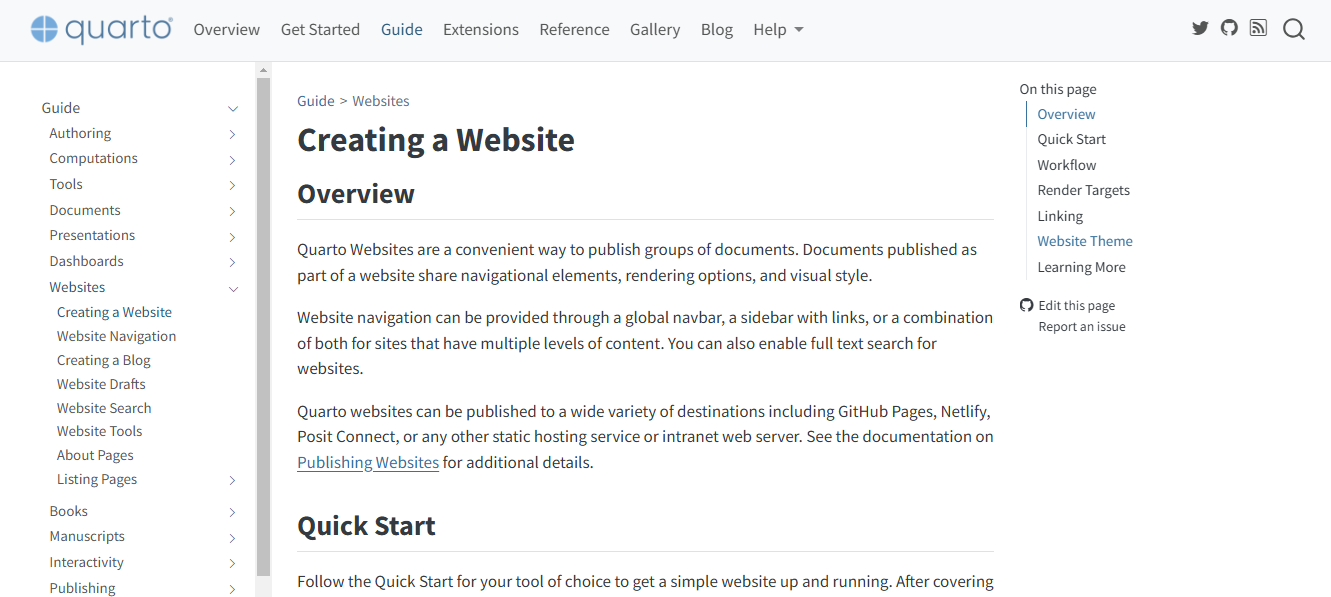
After downloading (or updating) Quarto on your computer, I suggest reading the guide in detail and also looking at examples of blogs/portfolios created by other people with Quarto. Here are a few I recommend: